Setup
Setup and Configuration
Global Setup
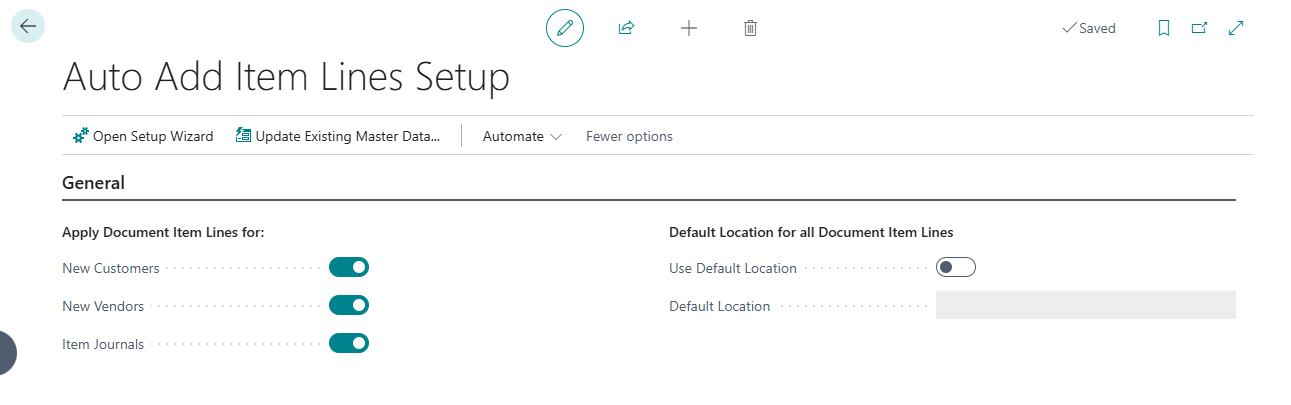
The Auto Add Item Lines Setup page provides the following options:
| Setting | Description |
|---|---|
| Apply Doc. Item Lines for New Customers | Automatically enables the feature for newly created customers |
| Apply Doc. Item Lines for New Vendors | Automatically enables the feature for newly created vendors |
| Apply Doc. Item Lines for Item Journals | Automatically enables the feature Item Journals |
| Use Default Location | Enables a single default location for all document item lines |
| Default Location | The location code assigned to document item lines when enabled |
An Update Existing Master Data action allows bulk-updating all existing customers, vendors, ship-to addresses, and order addresses with the configured defaults.
Last update: June 25, 2026